8171 Payment SIM Verification – Complete Guide for BISP Beneficiaries (2026)
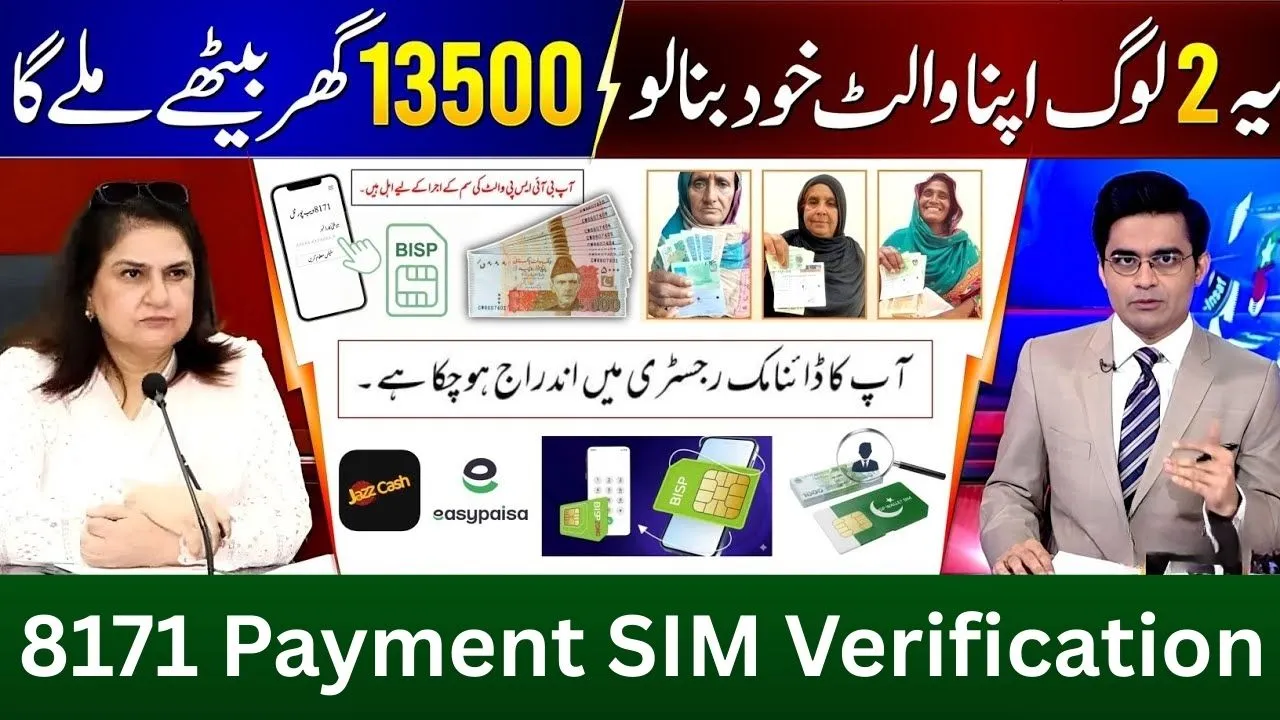
In 2026, 8171 payment SIM verification has become one of the most important requirements for receiving BISP payments without delay. The Government of Pakistan has made SIM verification mandatory to ensure that BISP payments reach the real and eligible beneficiary only, and to stop fraud, fake registrations, and agent misuse.
If your SIM is not registered on your own CNIC, your BISP 8171 payment can be blocked, even if you are fully eligible.
This detailed guide explains what SIM verification is, why it is required, how to verify your SIM, and how to fix common issues.
What Is 8171 Payment SIM Verification?
8171 SIM verification means that the mobile SIM number you are using must be registered on the same CNIC that is enrolled in the Benazir Income Support Programme (BISP).
All official communication from BISP, including:
 WhatsApp Channel
- Eligibility confirmation
- Payment release SMS
- Wallet activation alerts
is sent only to the verified SIM linked with your CNIC.
If the SIM and CNIC do not match, the system flags your record and payment may stop.

Why SIM Verification Is Mandatory for BISP Payments
The government introduced SIM verification in 2026 for several reasons:
- To stop payments going to wrong or third-party mobile numbers
- To prevent agents from using their own SIMs for beneficiaries
- To protect women beneficiaries from exploitation
- To enable direct digital payments through Easypaisa and JazzCash
SIM verification ensures transparency, security, and full payment delivery.
How to Check SIM Verification for 8171 Payment
There are three official ways to confirm whether your SIM is verified.
Method 1: Check via 8171 SMS
- Open your mobile SMS app
- Type your 13-digit CNIC number (without dashes)
- Send it to 8171
If your SIM is verified, you will receive:
- Payment status
- Eligibility confirmation
If not verified, the reply may indicate a SIM or verification issue.
Method 2: Check Through 8171 Web Portal
- Visit 8171.bisp.gov.pk
- Enter your CNIC number
- Complete the captcha
- Submit the form
The system will show whether:
- Your record is active
- Your SIM is verified
- Your payment is released or blocked
Method 3: Visit BISP Tehsil Office
If online or SMS methods show an issue:
- Visit your nearest BISP Tehsil Office
- Carry your original CNIC
- Provide your active mobile number
The staff will update or verify your SIM in the system.

How to Fix SIM Not Registered on CNIC Issue
If your SIM is not registered on your CNIC, follow these steps:
- Visit your mobile network franchise (Jazz, Zong, Ufone, Telenor)
- Request SIM ownership transfer to your CNIC
- Complete biometric verification
- After SIM update, visit BISP office or resend CNIC to 8171
Once updated, your payment status usually becomes active within a few days.
SIM Verification for Easypaisa and JazzCash Payments
For beneficiaries using digital wallet payments, SIM verification is even more important.
To receive BISP payment in Easypaisa or JazzCash:
- The SIM must be registered on beneficiary CNIC
- The wallet must be opened on the same SIM
- Biometric verification is required at agent level
Without SIM verification, wallet activation will fail.

Common Reasons BISP Payment Gets Blocked
Many beneficiaries face payment issues due to:
- SIM registered on husband, son, or agent CNIC
- Old or inactive SIM
- CNIC expired
- SIM recently changed but not updated in BISP record
All these issues can be resolved by SIM verification and record update.
Important Safety Instructions
- BISP does not charge any fee for SIM verification
- Do not give your CNIC or thumb impression to agents
- Only trust SMS from 8171
- Report illegal deductions or fraud to 0800-26477
If your CNIC is expired, renew it first from NADRA and then update your BISP record.
Frequently Asked Questions (FAQs)
1. What is 8171 payment SIM verification?
It means your mobile SIM must be registered on the same CNIC that is enrolled in BISP to receive payments and SMS alerts.
2. Can I receive BISP payment if my SIM is not on my CNIC?
No, if the SIM is registered on another person’s CNIC, your 8171 payment can be blocked.
3. How can I check if my SIM is verified for 8171?
Send your 13-digit CNIC number via SMS to 8171 or check your status on the official 8171 web portal.
4. What should I do if my SIM is not registered on my CNIC?
Visit your mobile network franchise to transfer SIM ownership to your CNIC and then update your record with BISP.
5. Is there any fee for SIM verification under BISP?
No, SIM verification and BISP payment services are completely free.
Conclusion
8171 payment SIM verification in 2026 is not optional. It is a critical step to ensure you receive your BISP payment safely, fully, and without delay. If your payment is stopped or SMS is not coming, check your SIM registration first.
By keeping your SIM, CNIC, and BISP record aligned, you can avoid payment blocks and receive your financial support smoothly under the 8171 system.